What’s New Recap
Color me impressed.
HDReady
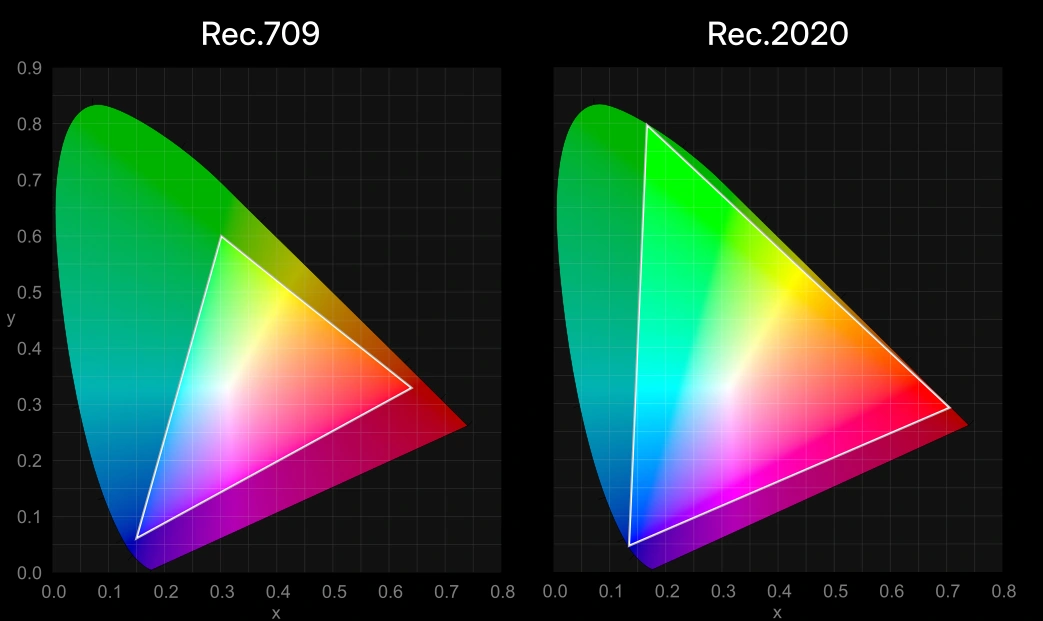
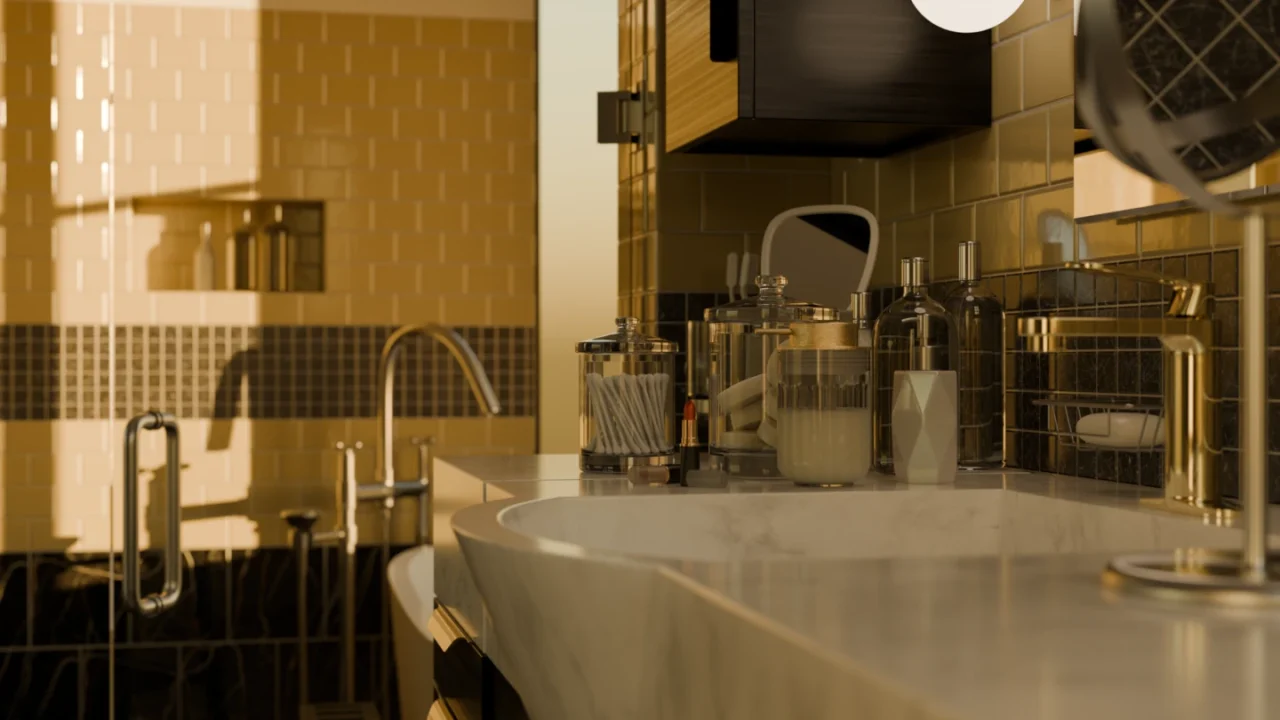
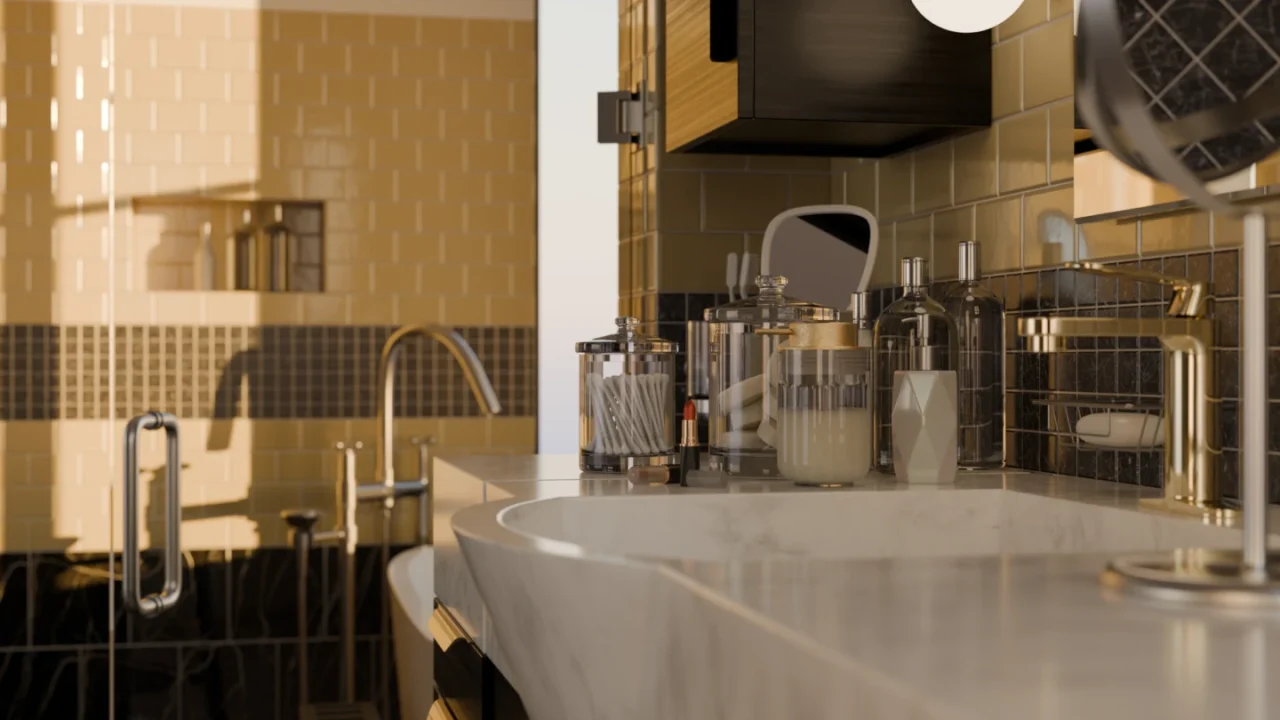
Blender can now display and export HDR and wide-gamut colors for both images and video.
New display and views:
- ACES 1.3 and 2.0 views as an alternative to AgX and Filmic and for compatibility with ACES pipelines (both standard and HDR).
- Rec.2100-PQ and Rec.2100-HLG displays. May be used for color grading for HDR video export.
- AgX HDR view.
Your Safe Space
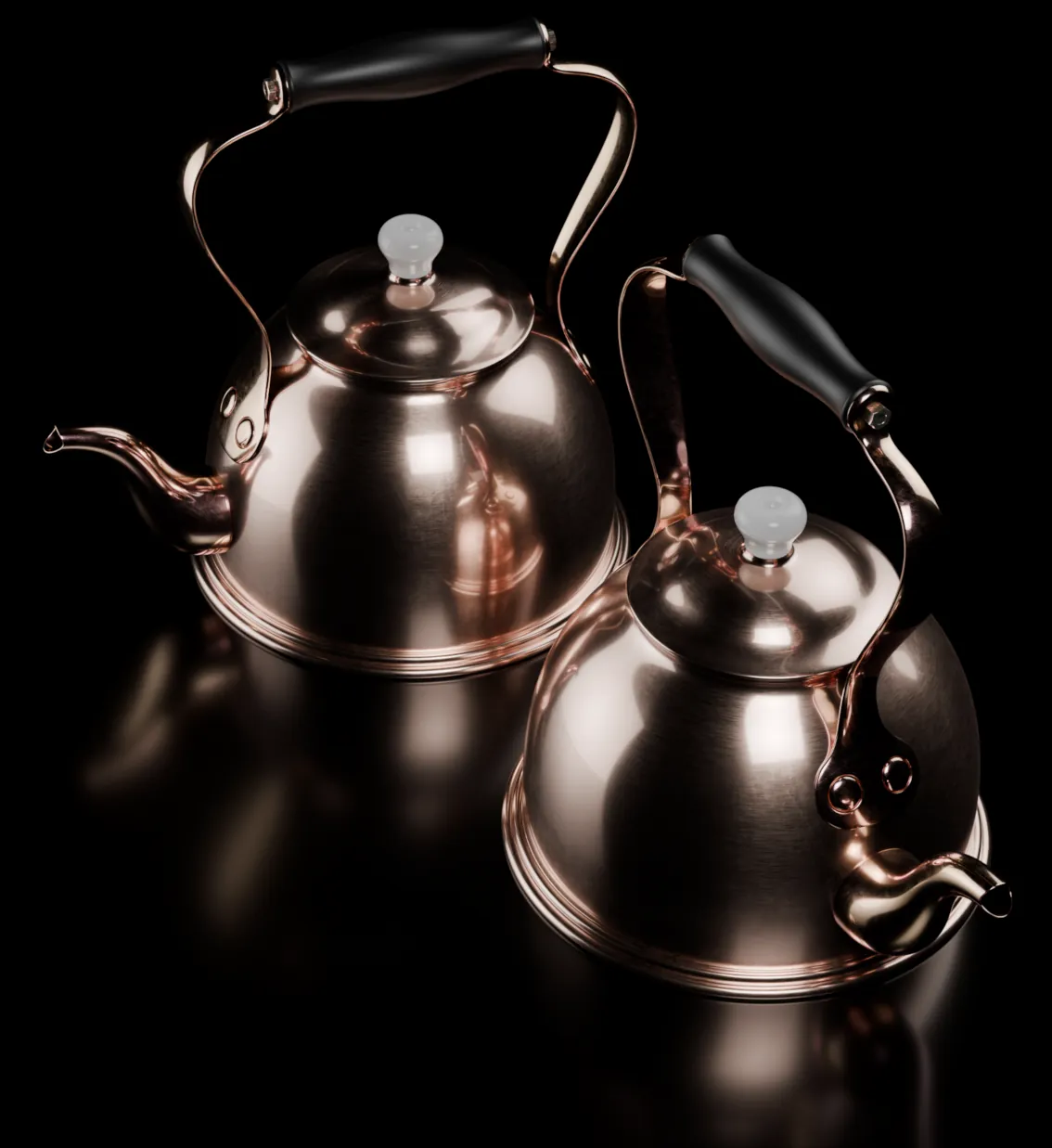
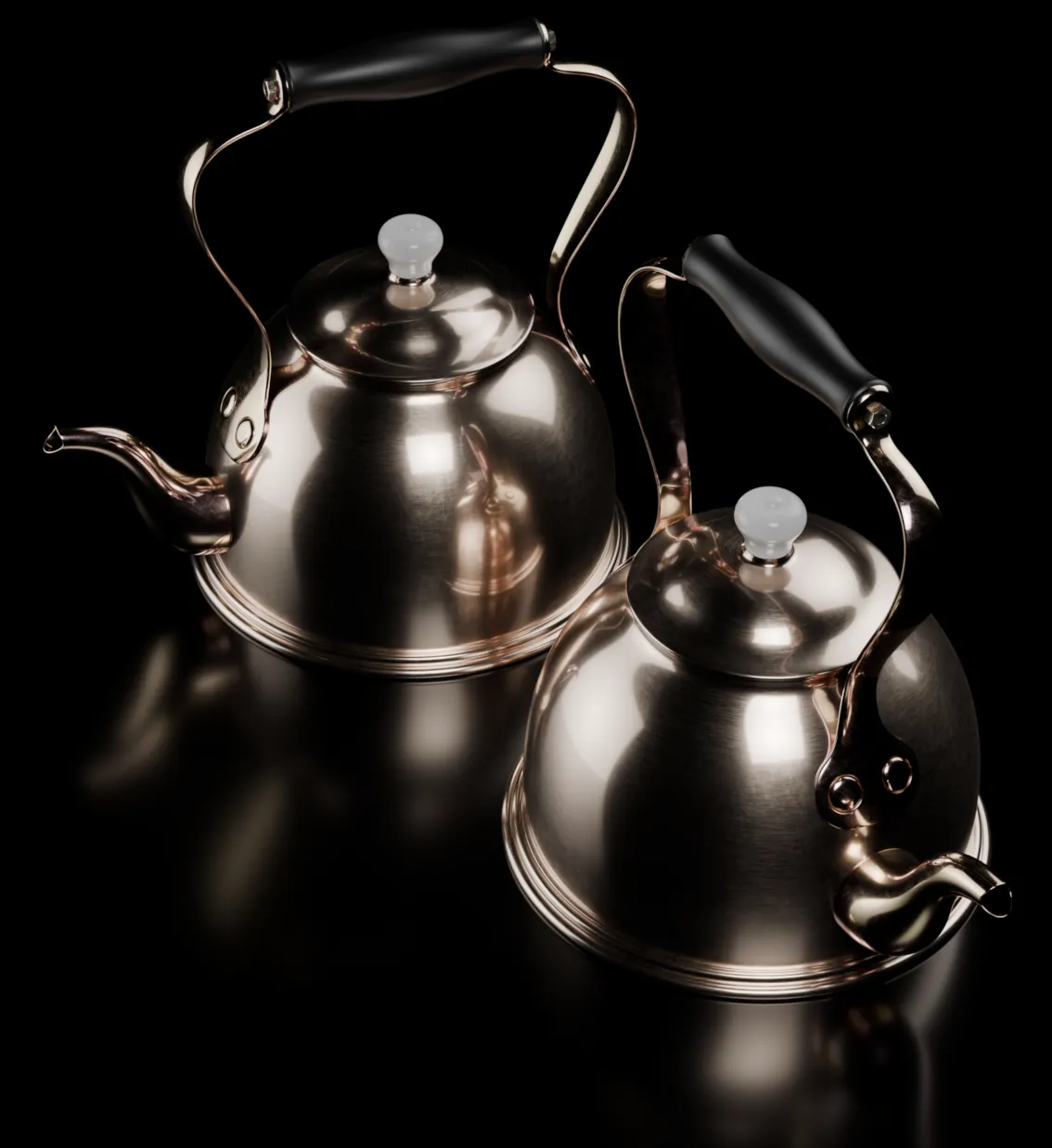
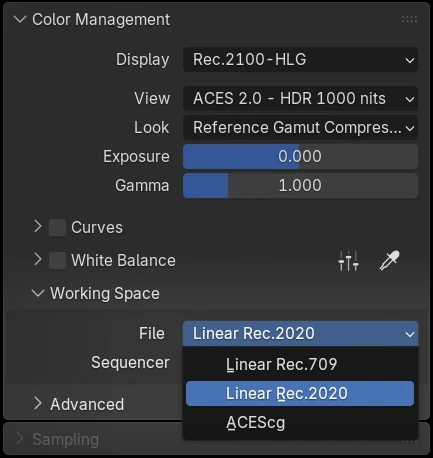
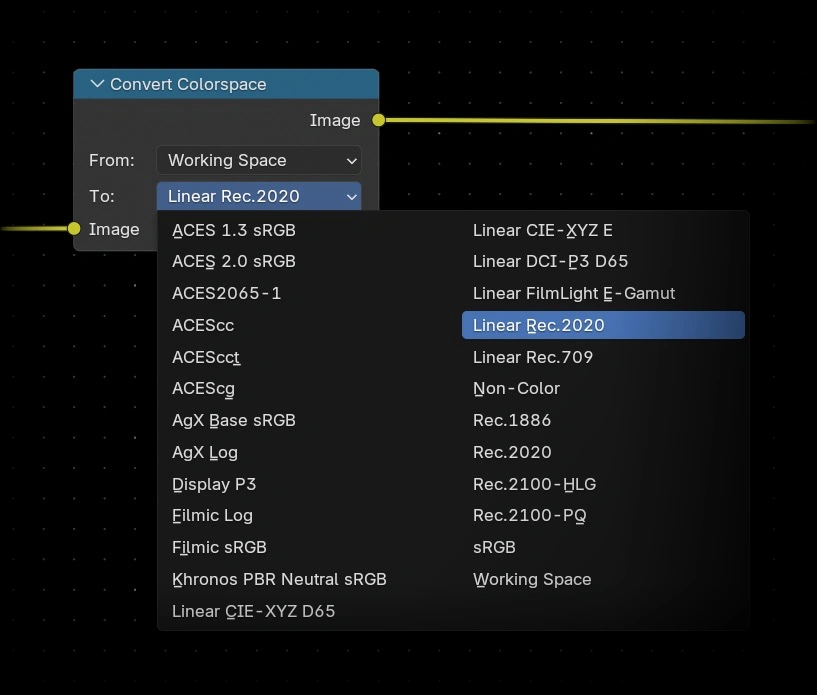
Rendering in the Rec.2020 working space allows for the use of a wider internal color gamut.
Set a custom Working Space per file and Sequencer…

Team Player
Blender 5.0 includes essential support for ACES 1.3 and 2.0 workflows with the ACEScg working space.
ACES 2.0 view transform and OpenEXR images saved in the ACES2065-1 and ACEScg color spaces.
This covers most needs when working in an ACES pipeline. For more complete support, the official ACES configurations can be manually installed and set through the OCIO environment variable.
See the color management documentation for how to make a configuration file work well with HDR and wide gamut in Blender.

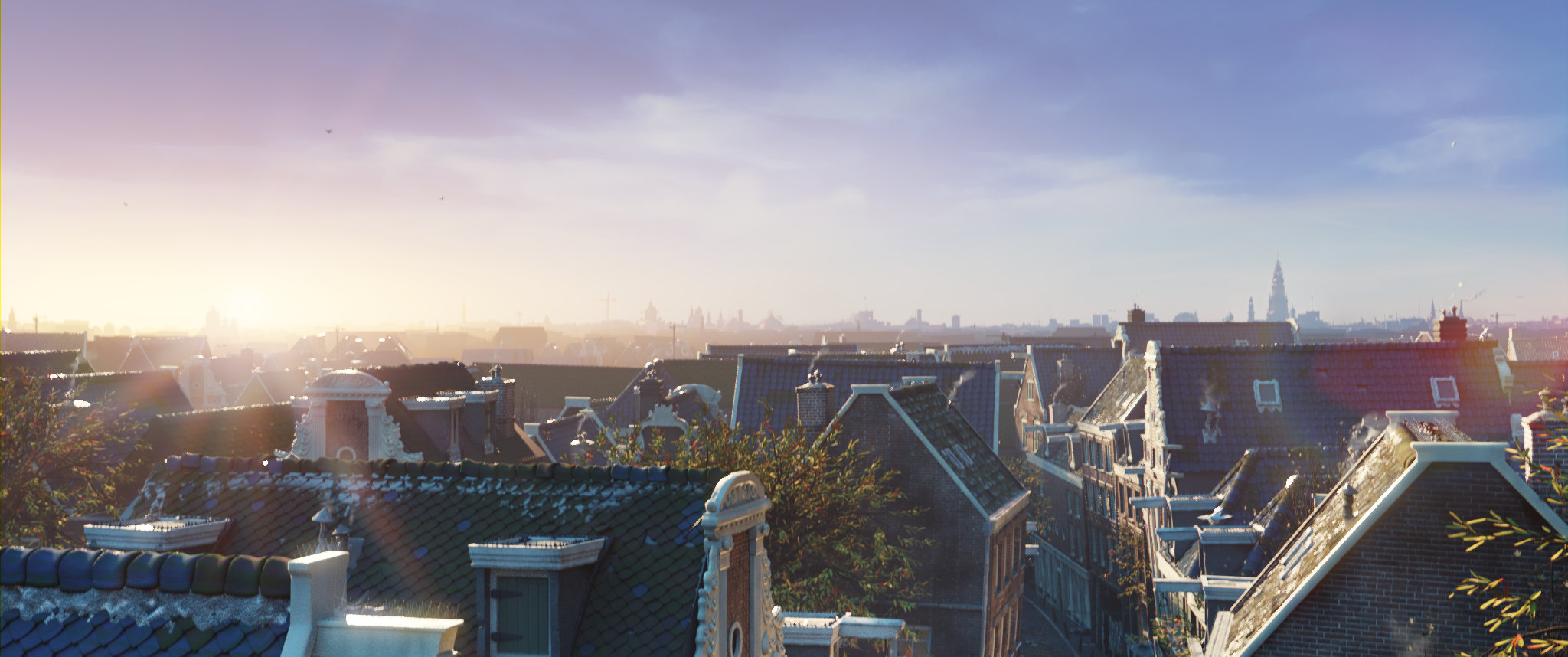
The sky is not the limit.
Night & Day
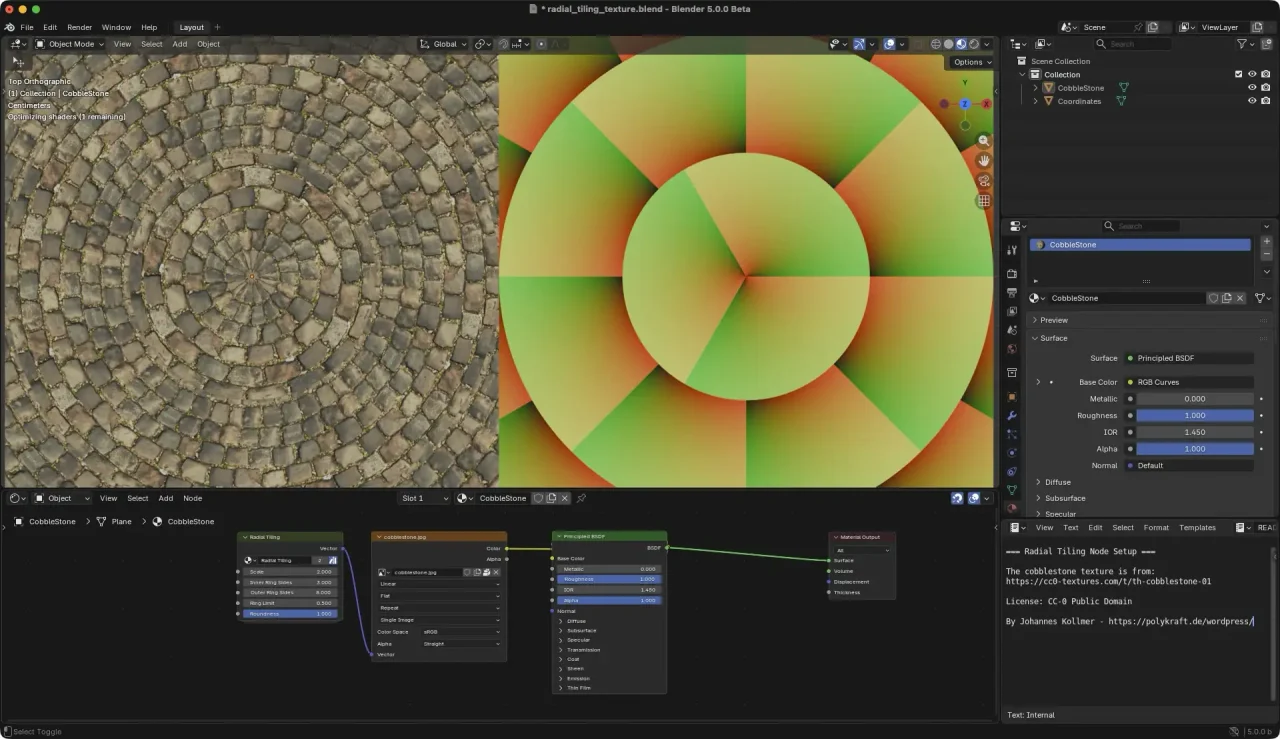
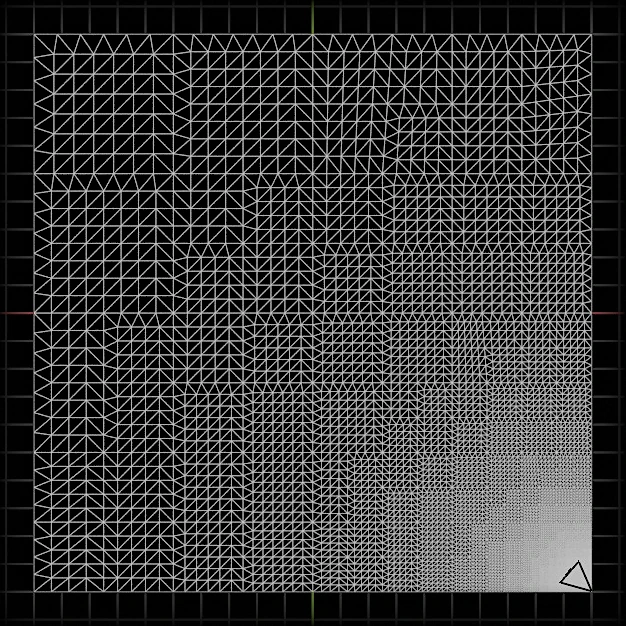
Radial Tiling
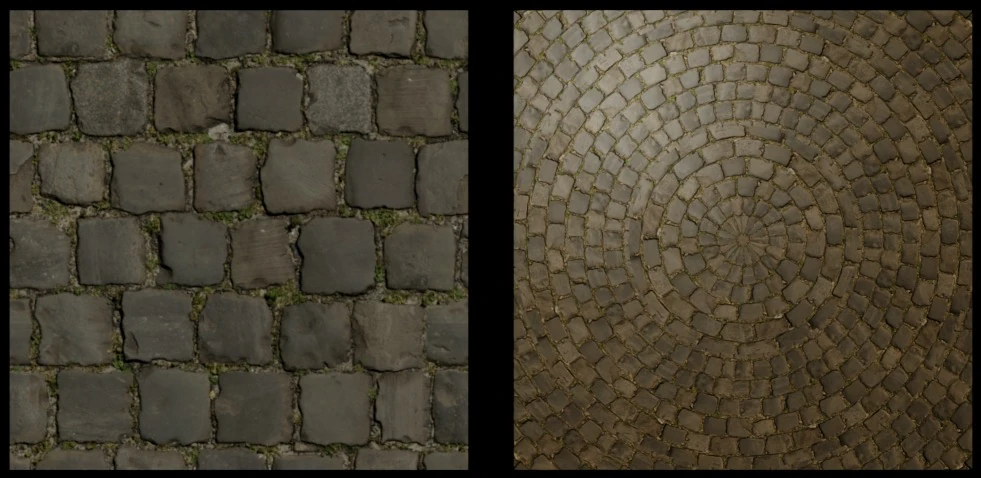
Multiresolution Baking
- Added support for baking Vector Displacement.
- Added support for n-gon faces.
- Bake only to selected and active images (as opposed to all active images).
- Subdivision Level and UV Interpolation matches the Subdivision Surface modifier.
- Several issues related to baking at non-zero subdivision levels have been resolved.
CYCLES
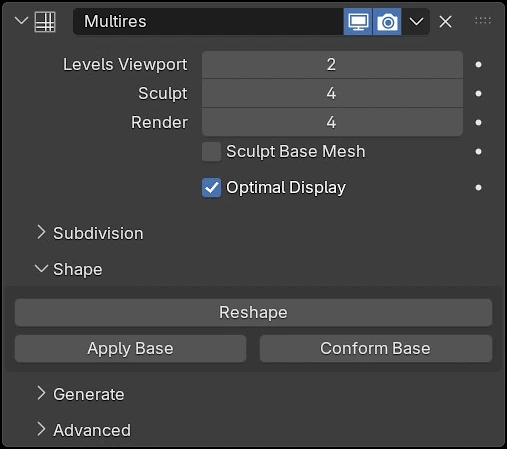
A new unbiased null-scattering volume rendering algorithm is now the default. It removes blocky artifacts in overlapping volumes and eliminates the need for step size, max steps, and homogeneous volume settings.
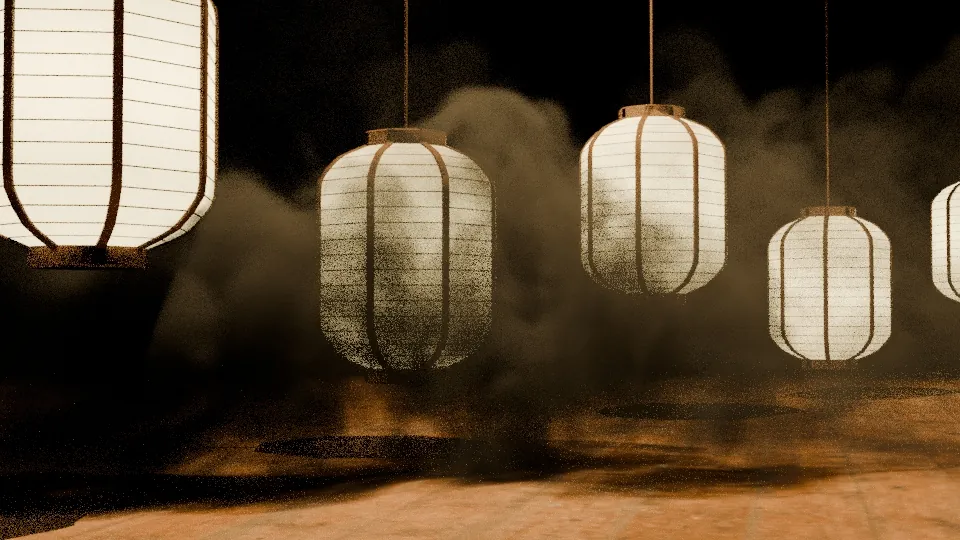
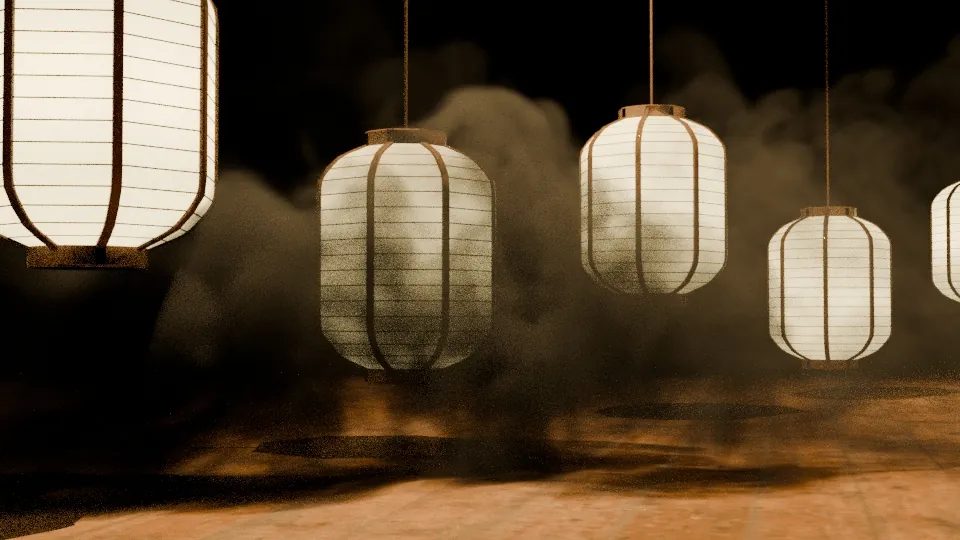
Scene where the new unbiased sampling is more efficient.
Both renders took 30 seconds.
CYCLES
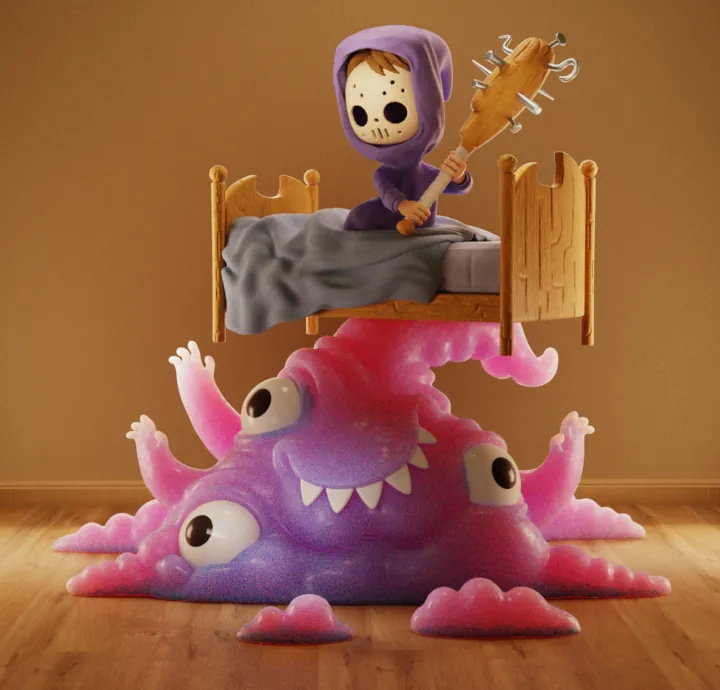
Subsurface
Scattering

CYCLES
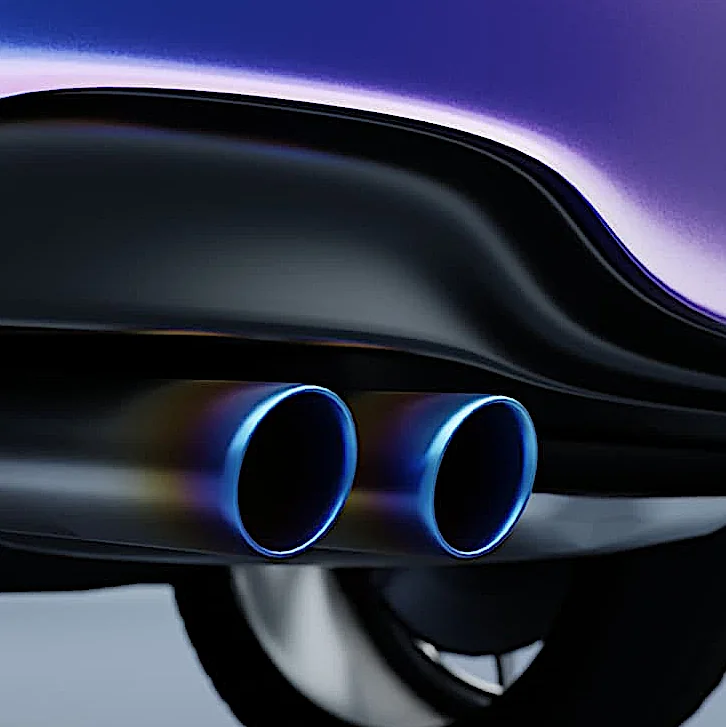
Metallic
Thin Film Iridescence

Free to Play
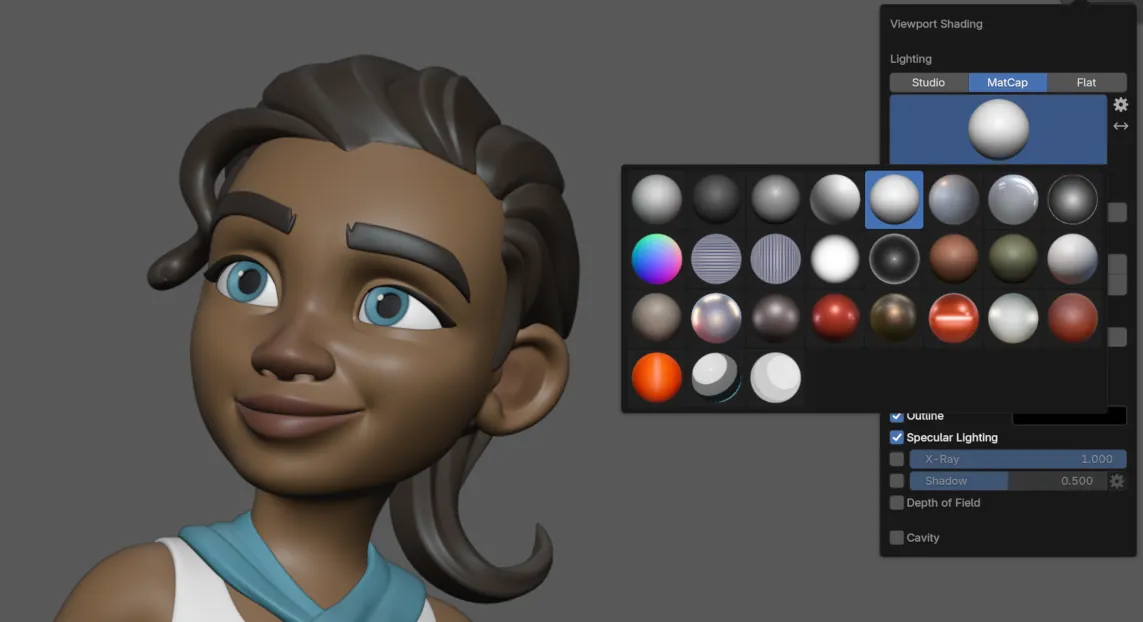
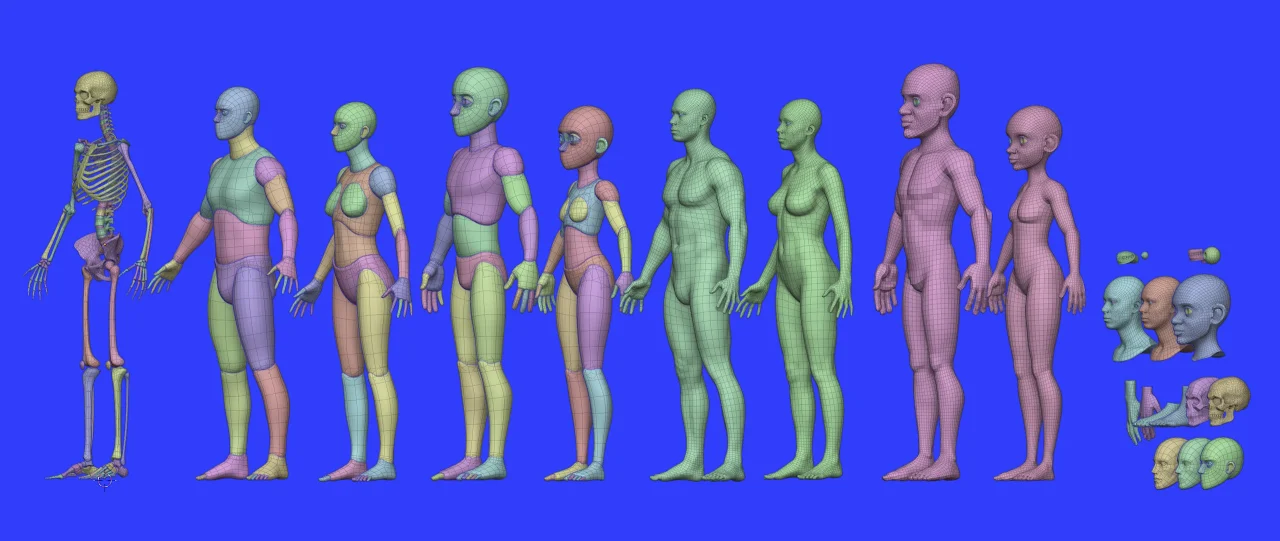
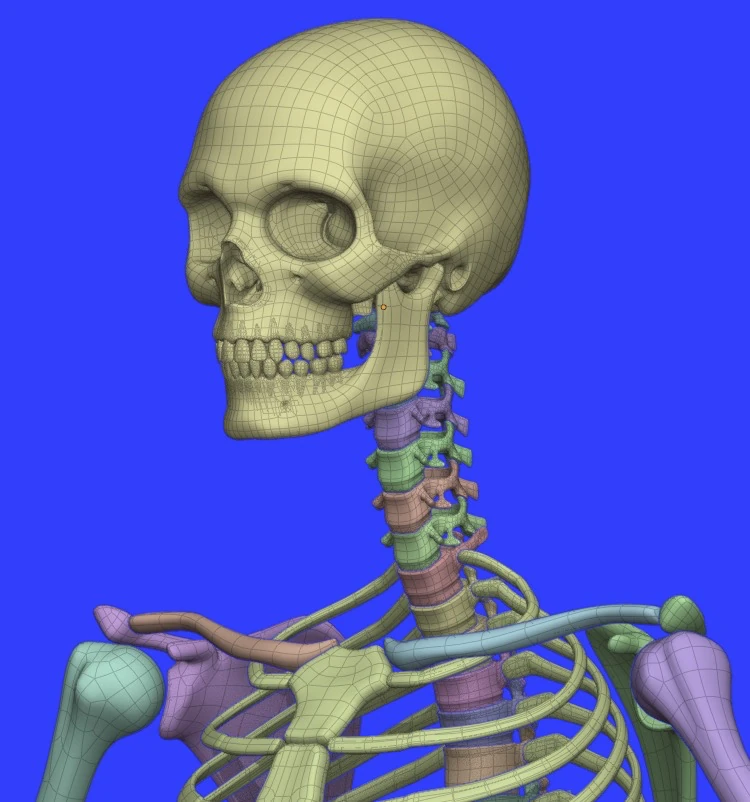
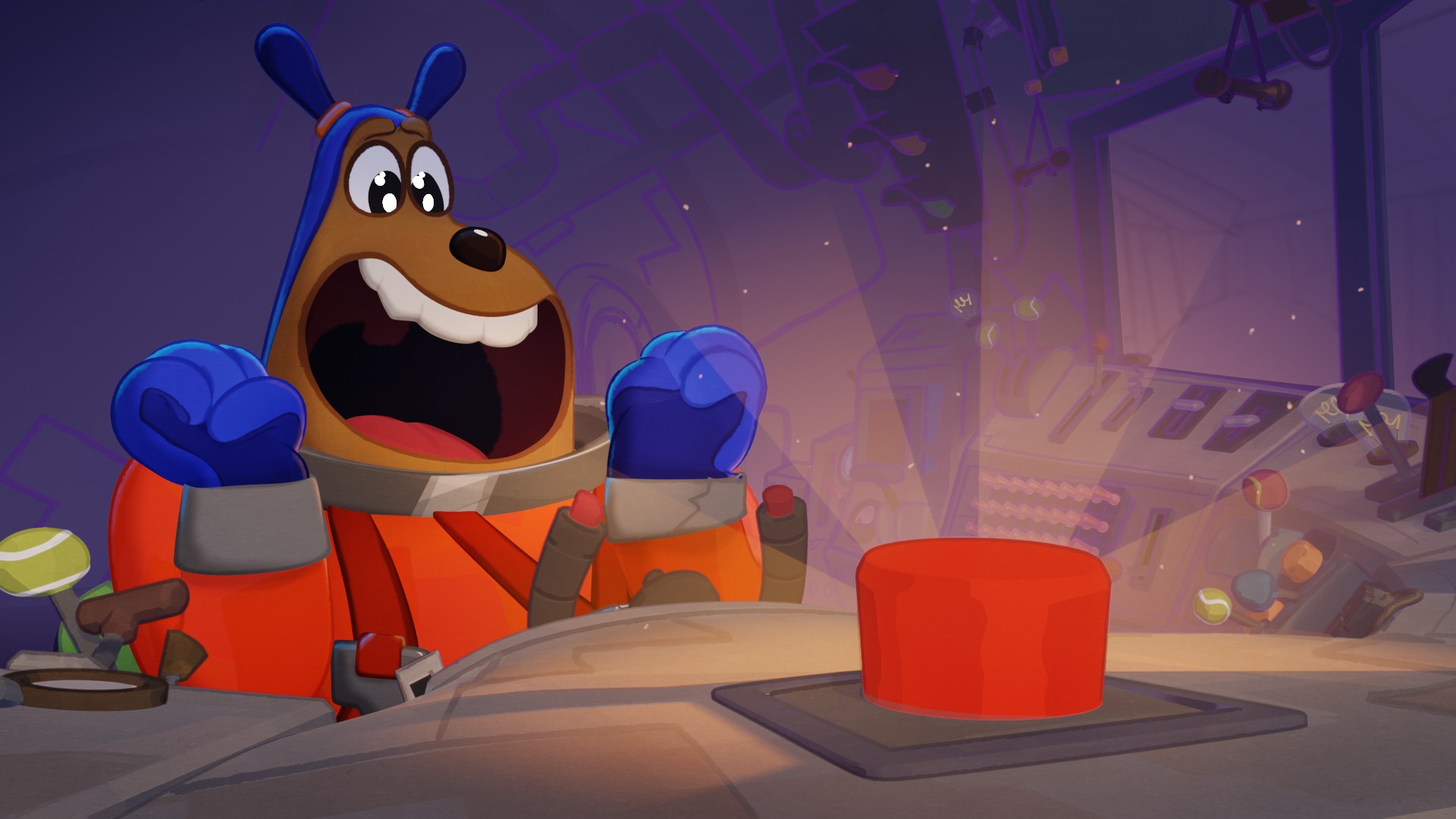
New demo files and updated asset bundles by the community!
COMPOSITOR
Drag & Comp
The Compositor in Blender 5.0 features a new asset shelf, filled with built-in effects to get from nothing to stunning in no time.
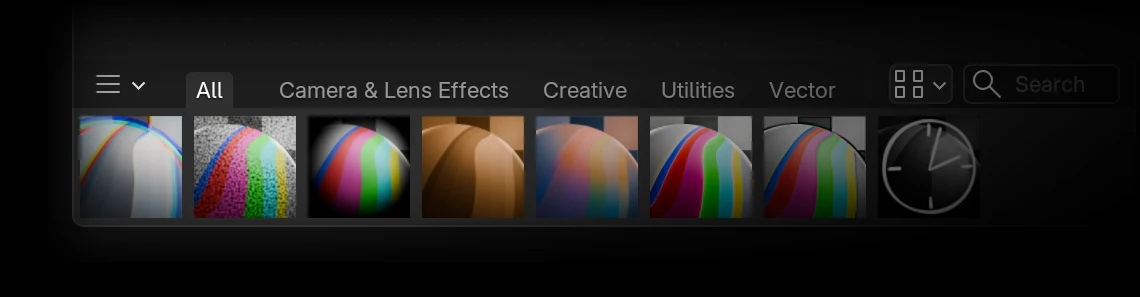
Simulate color fringing caused by lens chromatic aberration.
Tint highlights and shadows with different colors.
Enhance contrast, color, clarity and sharpness.
GREASE PENCIL
A Little Blurry
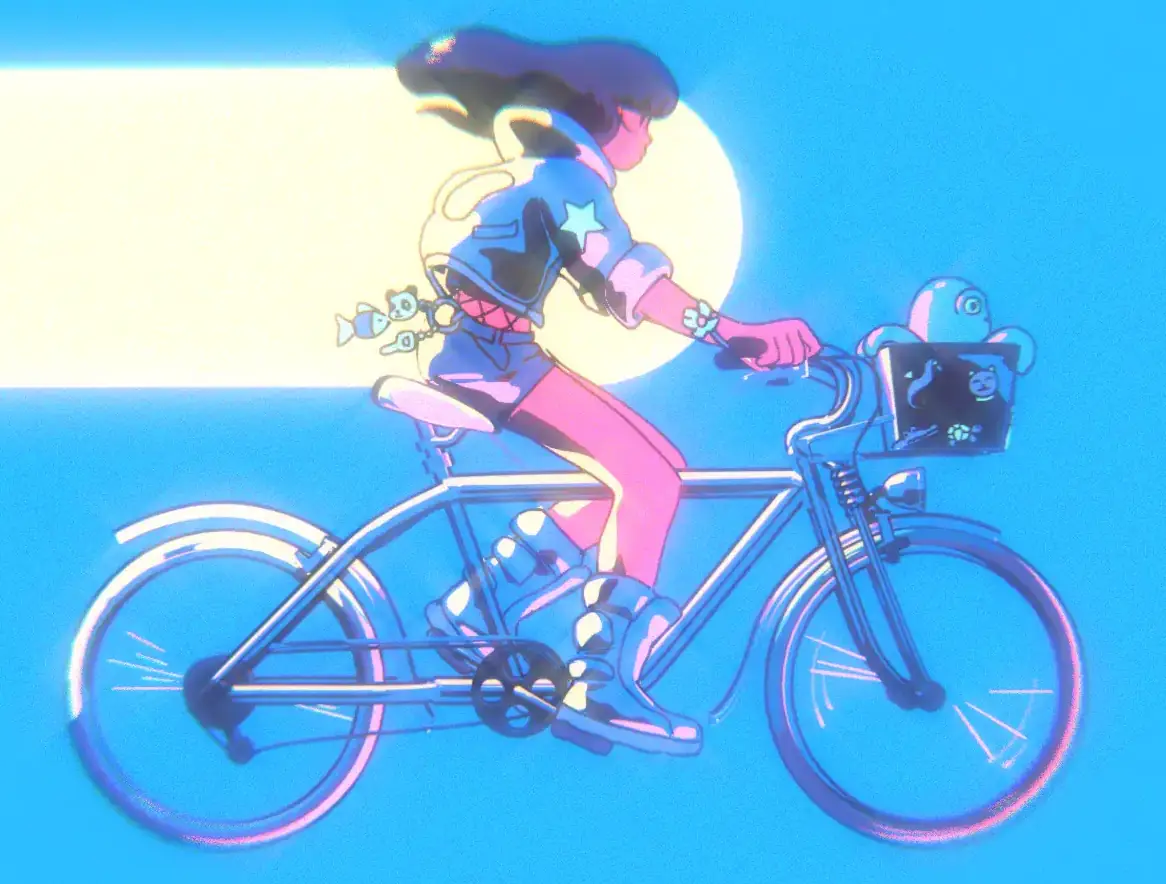
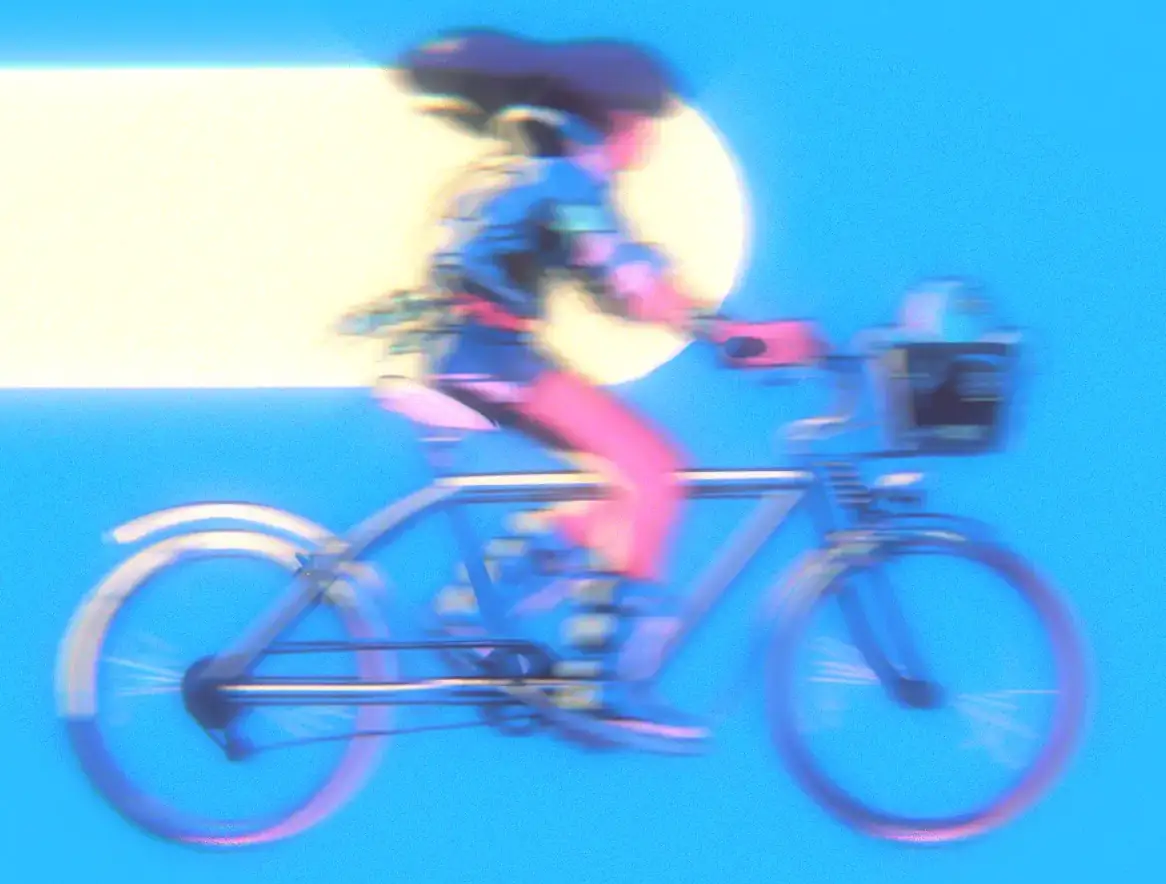
Grease Pencil objects now support motion blur.
The number of motion blur steps can be adjusted for better quality.
Sharp Corners Ahead
Grease Pencil strokes can now have different corner types set per point.
- Flat
- Sharp
- Round (default)

Go Full Circle
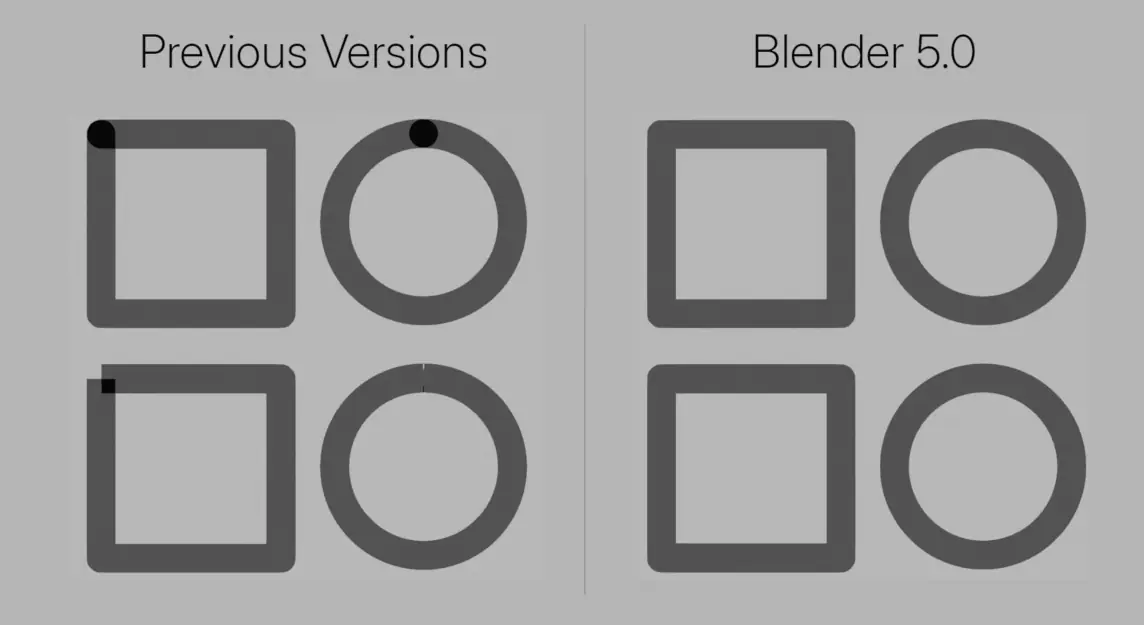
Cyclical strokes now correctly connect start and end segments without gaps or overlaps.
Community Shout-out
Watch Mumu Mundo’s recap of what’s new for Grease Pencil in Blender 5.0.
MORE GREASE PENCIL
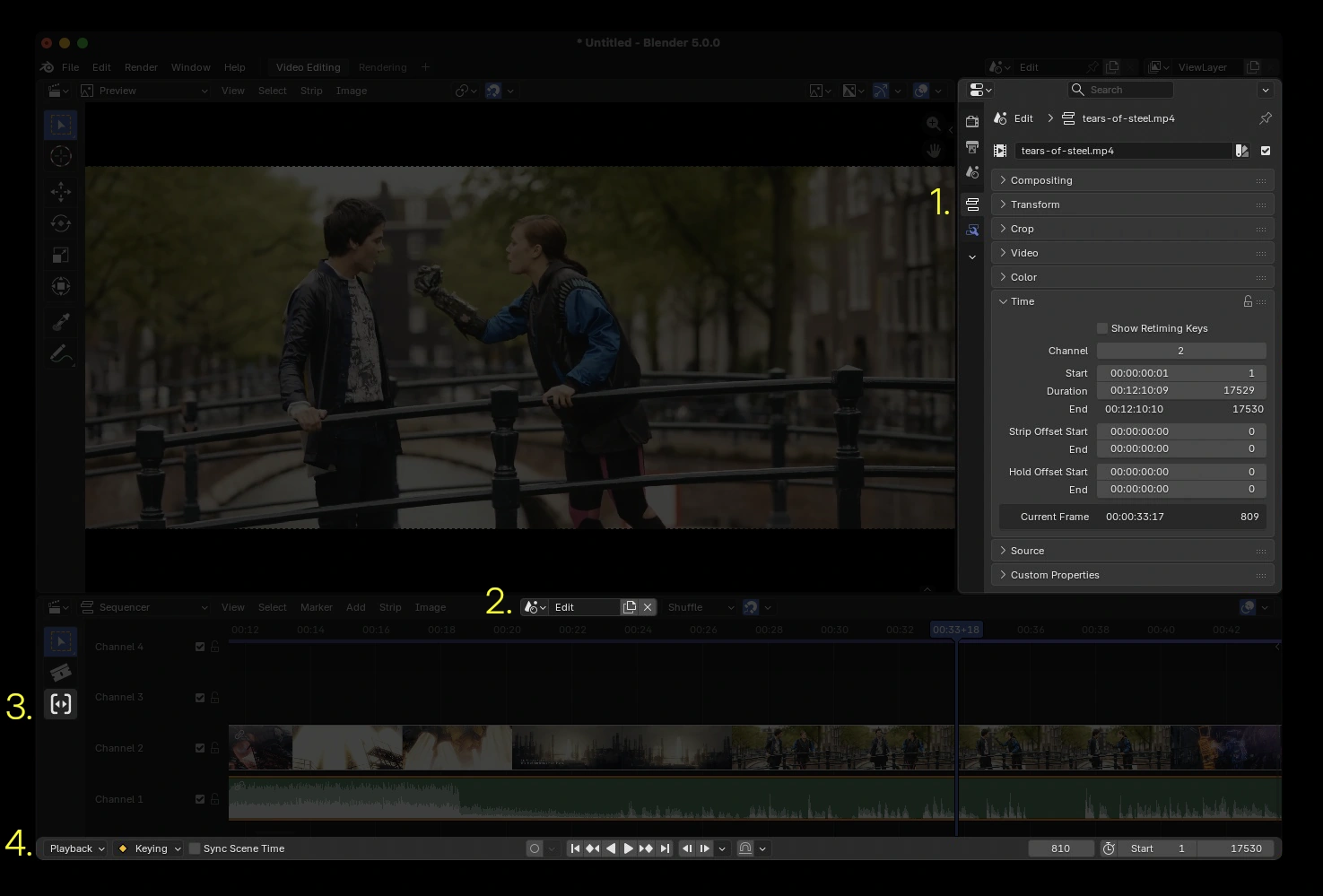
4. Time on Your Side
Meet: Playback Controls, a region built-in the Sequencer (and other animation editors). No need to have a Timeline editor just for playback or set frame range.

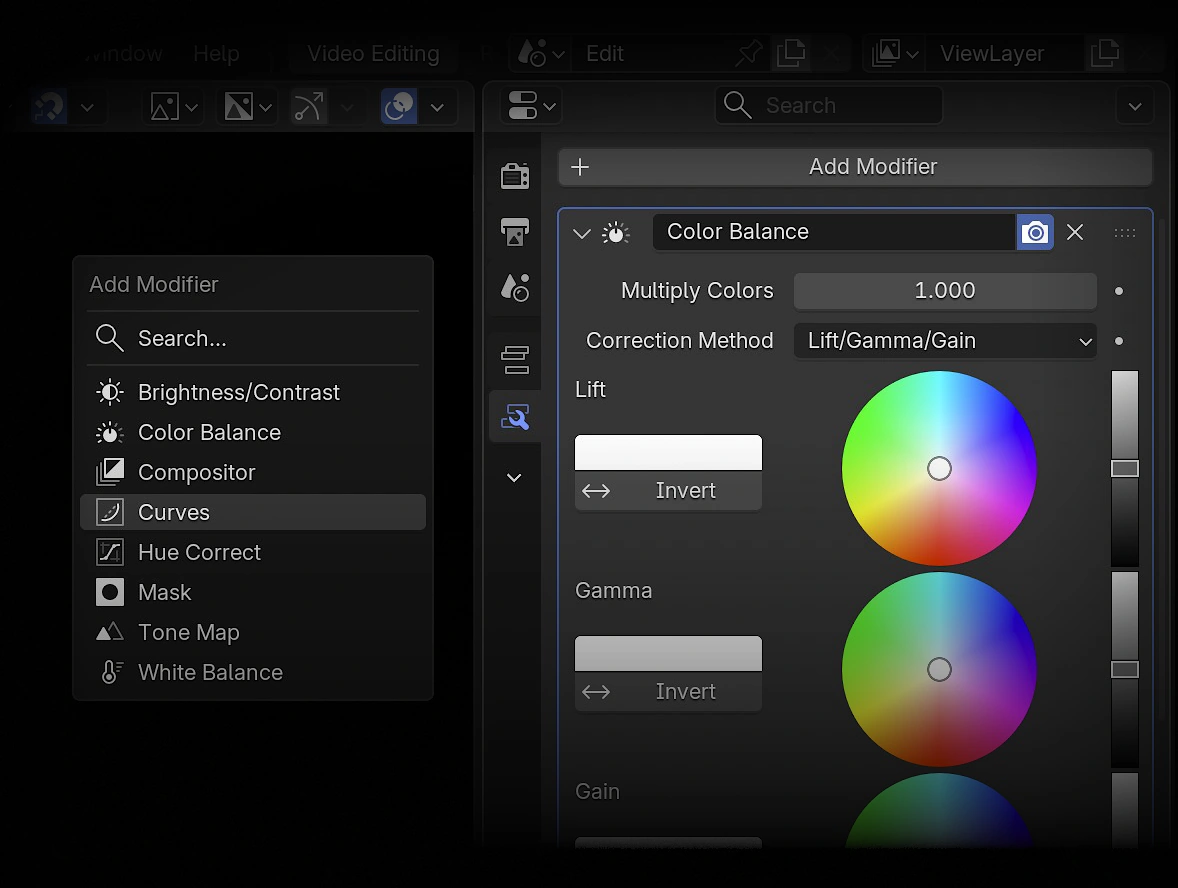
*…Compositor Modifier
The power of hundreds of nodes from Blender’s production-ready compositor is now available in the Video Sequencer. Meet your new favorite modifier.
EVEN MORE SEQUENCER GOODIES
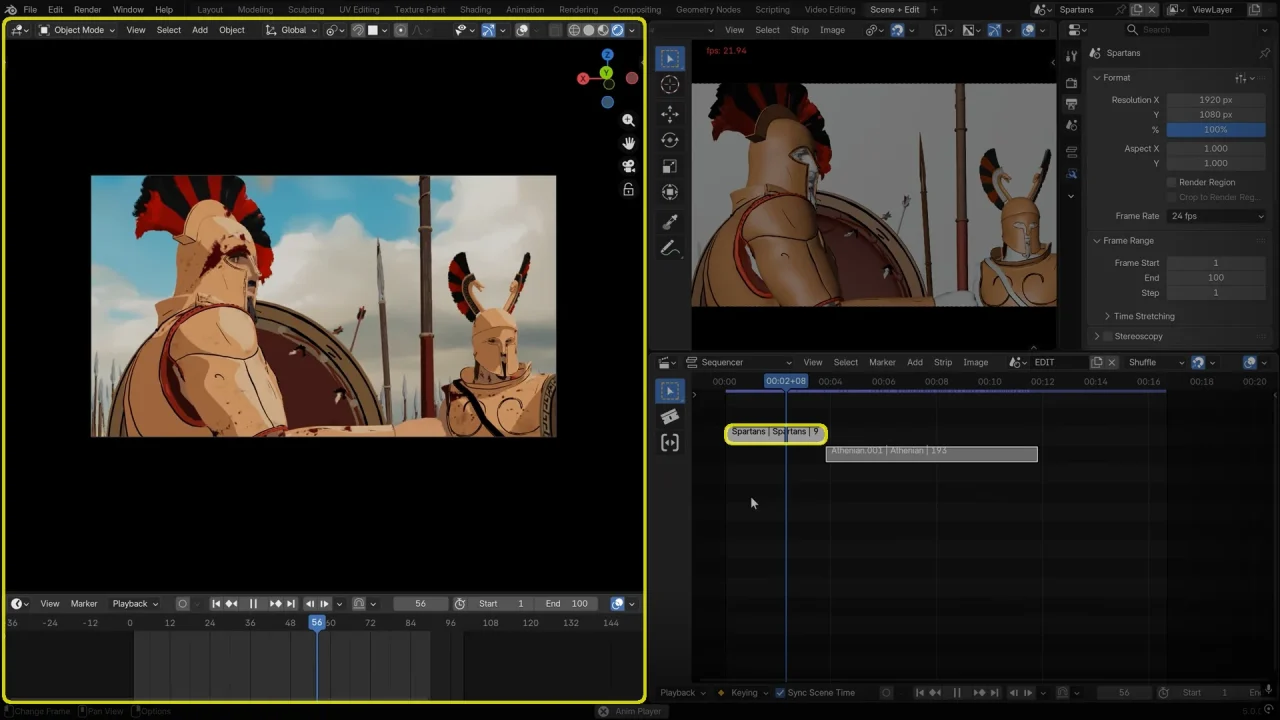
Video Sequencer + Grease Pencil: Ultimate Storyboarding
You can also share your own add-ons and themes!
PUT IT TO THE TEST
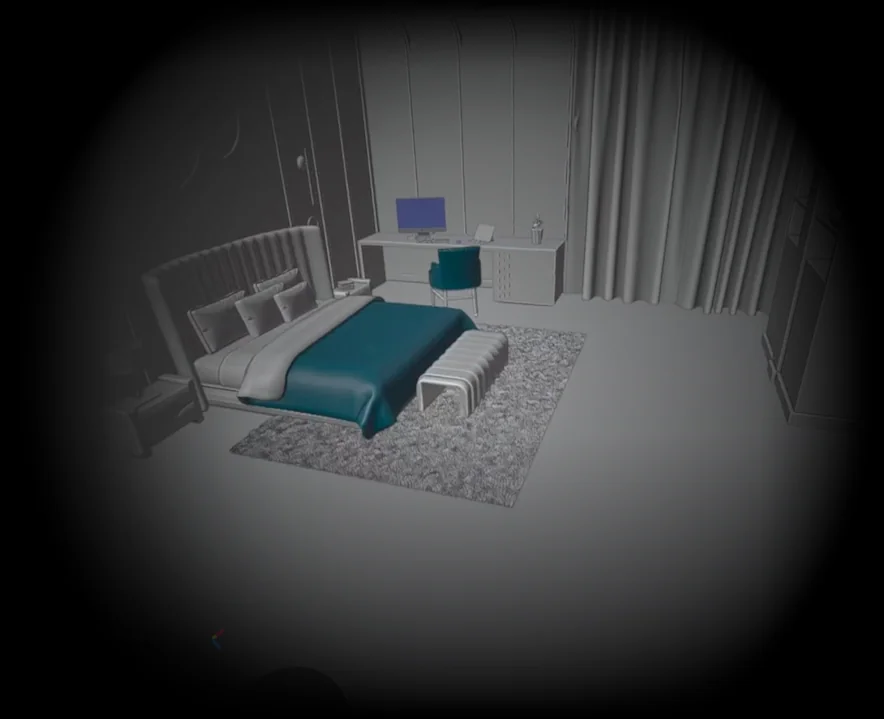
Share and compare your computer’s score with openly accessible benchmarks provided by the Blender community.
BUT WAIT, THERE’S MORE
- Longer data-block names.
- Introducing Packed Data-blocks
- Support for larger buffers in .blend files.
- New Path Template Variables
- Saving with .blend file compression is now enabled by default
- Node Groups Custom Properties UI
- Command Line Argument for GPU VSync
- Improved debug logging
- Big Endian Support Removed
- The Copy Global Transform add-on is now built-in Blender.
- New Playback Controls region in animation editors.
- Jump Time by Delta: Jump forward/backward in time by a user-specified delta, in frames or seconds.
- Timelines in all animation editors now draw grid lines always on full frames.
- Cache visualization is now available in Dope Sheet (all modes)
- The Timeline editor now has the channels region hidden by default, better filtering, and its (empty) sidebar removed.
- The W axis color can now be themed.
- Keying popover now displays active Keying Set name and keyframe type.
- Slot selectors now show the slot type icon.
- New Show Scene Strip Range overlay in Dope Sheet editor.
- Backward Compatibility breaking changes.
- New constraint: Geometry Attribute.
- Bone Custom Shape Affect Gizmo: Places the Gizmo at the location of the Override Transform bone.
- Bone Custom Shape Use As Pivot: When rotating, the bone will pivot around the origin of the Override Transform bone.
- Improvements to working with multiple Armatures instances.
- Shape Keys now support “Copy to Selected” and adjusting multiple shape keys at once, by selecting multiple shape keys and holding Alt while adjusting.
- Collada (.dae): support has been removed.
- Alembic: Import additional point cloud attribute types as geometry attributes.
- USD: Improved UsdGeomNurbsCurves(NURBS) I/O
- FBX: The much faster C++ importer is now default.
- FBX: Added Material Name Collision import option.
- BVH: Always use the name “Slot” for Action Slots of imported animation.
- OBJ: Added Material Name Collision import option.
- OBJ: New Apply Tranasform import option.
- OBJ: Improved Bézier/NURBS knot patterns I/O.
- New Paint Pixel Art and Erase Pixel Art brushes.
- Multiresolution modifier: New “Conform Base” operator
- Brush size, strength and jitter properties now have a customizable pen pressure curve.
- Updated template with some overlays by default.
- Grab, Snake Hook, Elastic Deform, Pose, Boundary, Thumb, and Rotate brushes no longer show pressure sensitivity toggles.
- Video: Added support to read and write HDR and wide gamut video files.
- Multilayer OpenEXR now saves multi-part files by default for more efficient interoperability.
- OpenEXR files now support Color Interop ID metadata, to automatically detect the file colorspace.
- Save wide gamut images in P3 and Rec.2020 colorspaces.
Plus hundreds of bug fixes, code cleanups and refactors.
See the full list of changes.
On December 16th 2025, Blender 5.0.1 was released featuring 132 additional bug fixes. See the changelog.
CREDITS
List of developers that contributed to Blender 5.0
Blender is a community project.
Learn more on how you can contribute to Blender.
Splash artwork: CC-BY-SA – Juan Hernández
Working Color Space teapot and Sky scattering reflections demo by Christopher 3D. SSS demo by Metin Seven. Thin Film by geedoubleu. Grease Pencil motion blur demo by Dedouze.
Huge thanks to everyone involved! 🧡
The Blender team. November 18th, 2025